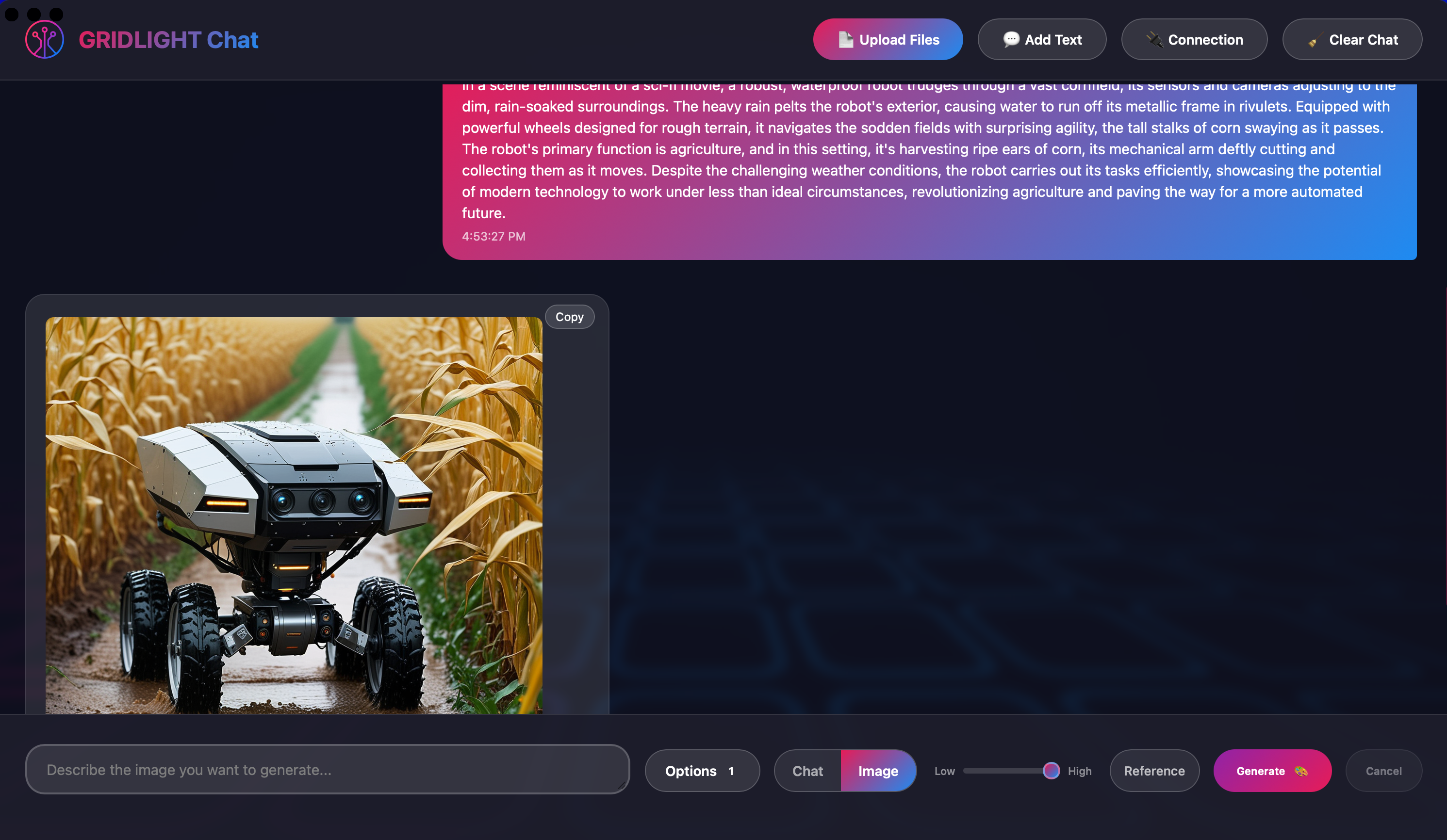
GRIDLIGHT AI Chat is a full-featured conversational interface for interacting with your Gridlight AI. Carry on multi-turn conversations that maintain context across messages, upload documents to train and expand the AI's knowledge base, and revisit past conversations through built-in history management. Responses render with full markdown support including syntax-highlighted code blocks. The interface is optimized for desktop and mobile, with safe area support for notched devices. Features include multi-turn conversations with context retention, file uploads to train the AI knowledge base, website and text source addition, conversation history and management, markdown rendering with code highlighting, mobile-responsive design, and configurable Gridlight Gateway connection.
Update Type: ✨ New Features
Changes:
Text-to-Speech — reads responses aloud with 16 Piper voices across 9 languages
Document upload progress panel — real-time per-file status on drag-and-drop uploads
Image persistence — generated images survive app restarts and chat history loads
- Chat sidebar search: find past conversations instantly
- Stable chat ordering: sidebar always sorted by creation time
- Smarter image workflow: reference image auto-switches to image mode; drop modal restored
- Memory control: only /remember or the Memorize button saves to memory (no accidental saves)
- Various UX fixes: thinking animation, download button, startup chat, session isolation
This example is licensed under the MIT License - a very permissive license that allows commercial use, modification, distribution, and private use. You only need to preserve the copyright and license notices.
Login to leave a comment


No comments yet. Be the first to comment!